Getting started
How Local Eyes works
Start with a state, explore its towns and places, see what is happening, and follow the interests you love.

Start here
Start with the whole picture
Start here
Start with the whole picture
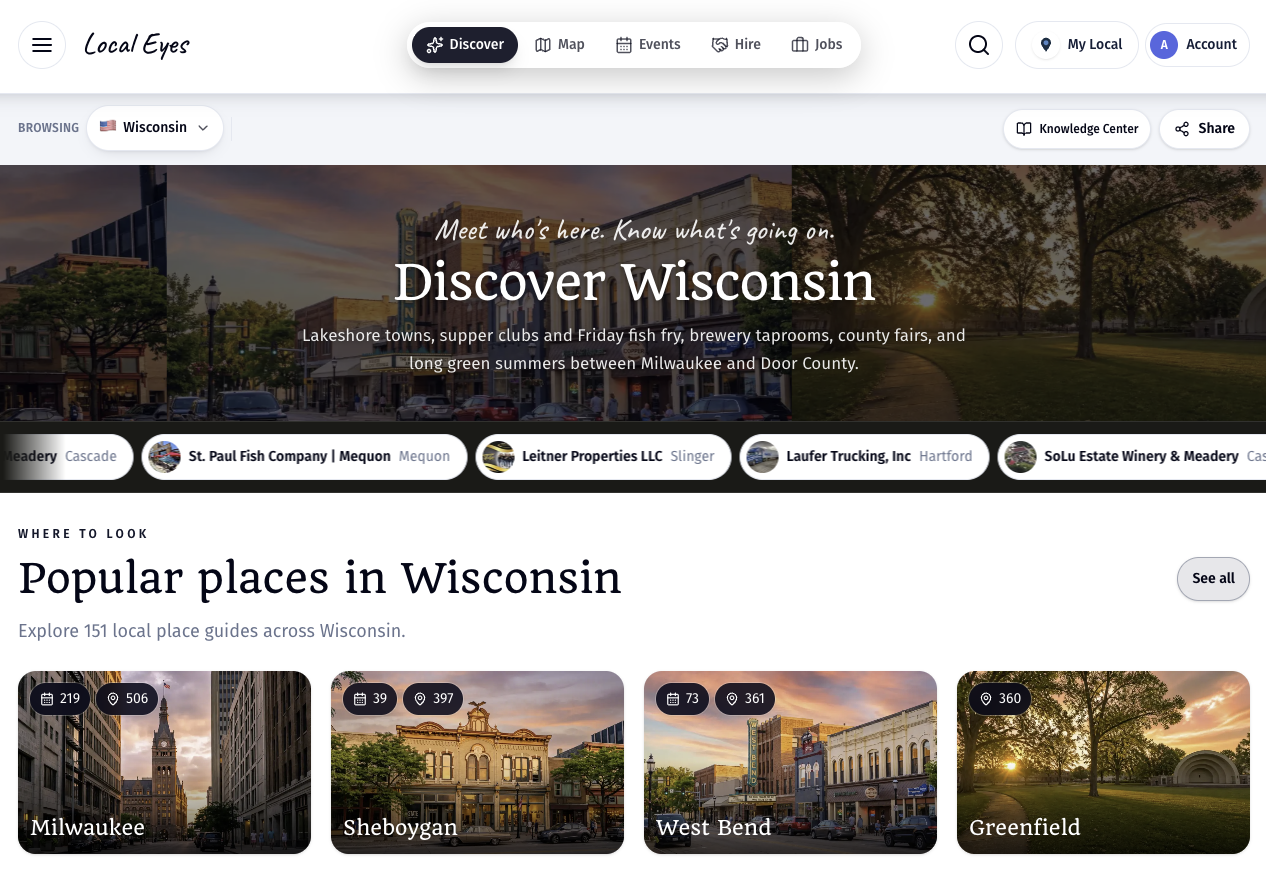
Local Eyes connects towns, places, events and interests in one guide. Start by choosing a place to browse. The state or region view is your starting point: it introduces the area, shows towns you can explore, brings together upcoming events, and gives you ways to follow a subject you care about. You can browse without an account. Nothing is limited to one place; choose another available region from the Browsing menu whenever you want to explore elsewhere.
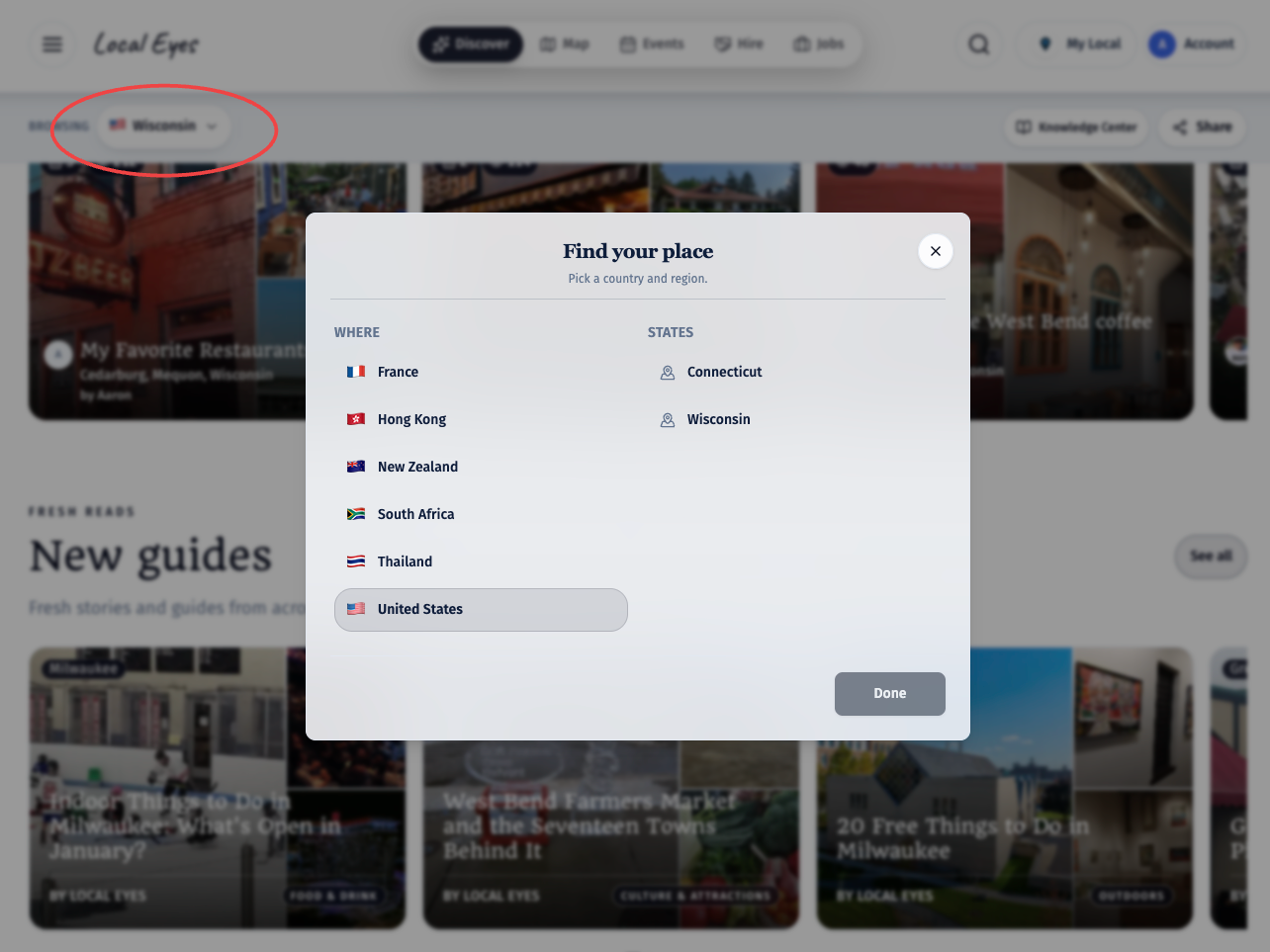
- 1Click the Browsing buttonThe Browsing button at the top of the page opens Find your place. Pick a country, then a state or region, to start exploring.
- 2Explore what is thereMove between local places, upcoming events and guides by interest, without starting a new search each time.
01 · Towns
Discover the towns and their places
01 · Towns
Discover the towns and their places
The state guide shows popular town cards first, then more towns below. Each town has its own page, so selecting one takes you from the statewide overview into its local guide. The small numbers on the town cards and beside town names show how many places and upcoming events are represented there; they are a quick way to see how much is happening, not a ranking of which town is best. Open a town to browse its businesses and venues, see its upcoming events, and get a feel for what is local to that community. If you would rather browse geographically, the map lets you see all available towns together. The selection is not fixed: it changes as places and events are added.
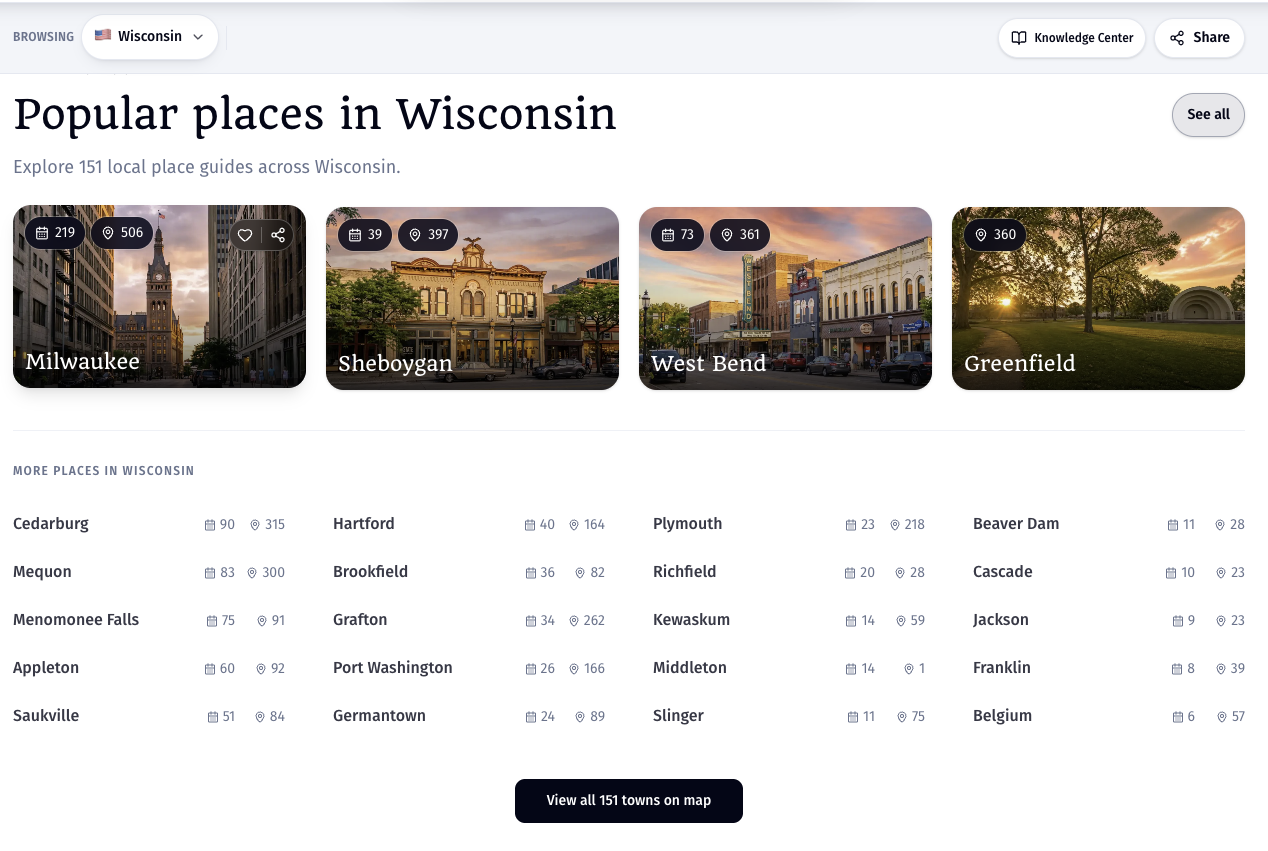
- 1Start with a town cardChoose a pictured town to open its local guide.
- 2Look beyond the first rowMore towns appear underneath, with place and event counts beside each name.
- 3Use the mapView all towns on the map when you want to explore by location instead of a list.
A town page is the close-up view; the state page helps you compare and discover across towns.
02 · Events
See what is happening across the state
02 · Events
See what is happening across the state
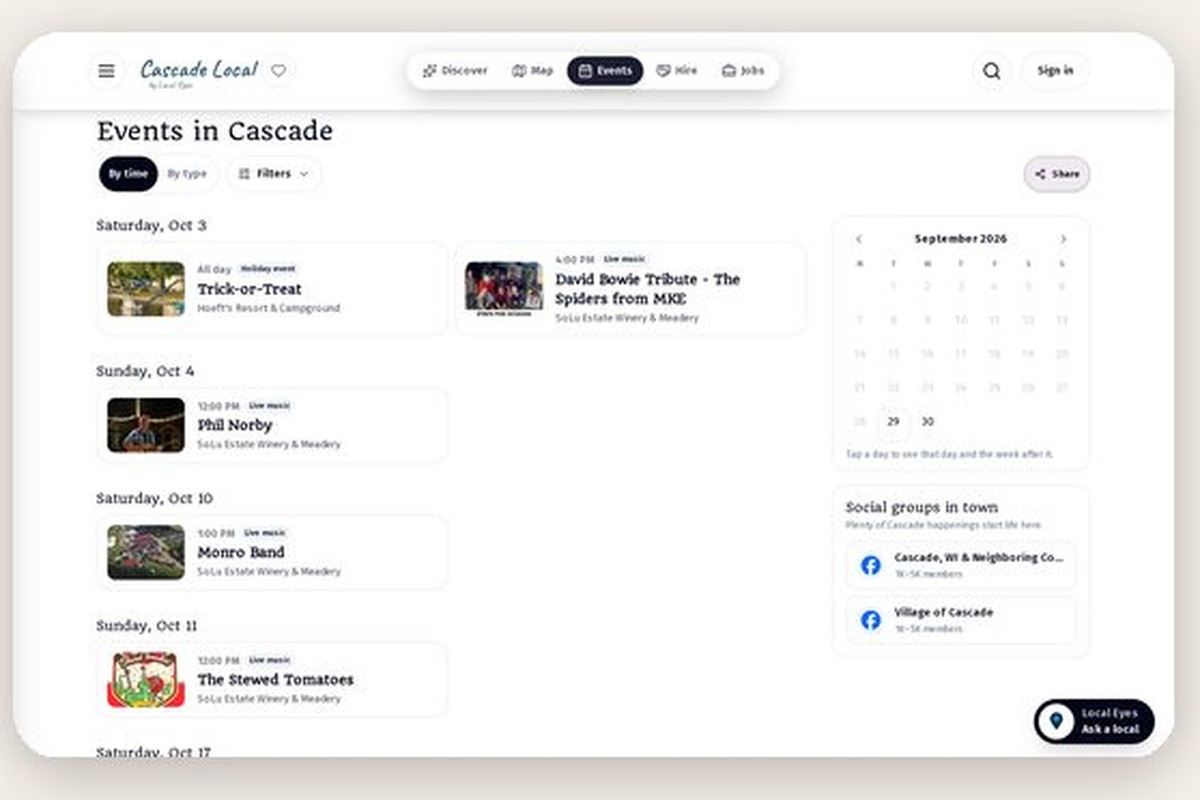
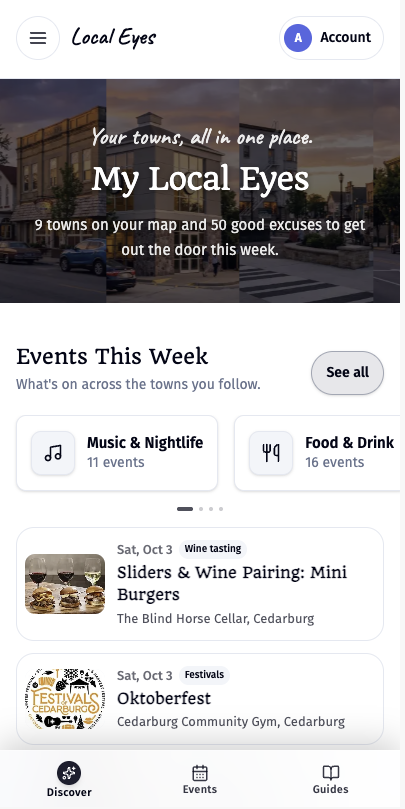
The What’s on section gathers upcoming happenings from towns across the state, with the date and time, event name, type, venue and town together. It is useful when you have not picked a destination yet: a show in one town, a tasting in another and a community gathering elsewhere can all appear in the same view. Choose an event to read its details before you go. Use See all or the Events tab to browse the full calendar, then narrow it by town, event type or who it is for. If you already know where you want to go, open that town’s guide for its local events instead. Event availability and counts change as dates pass and new events are added.
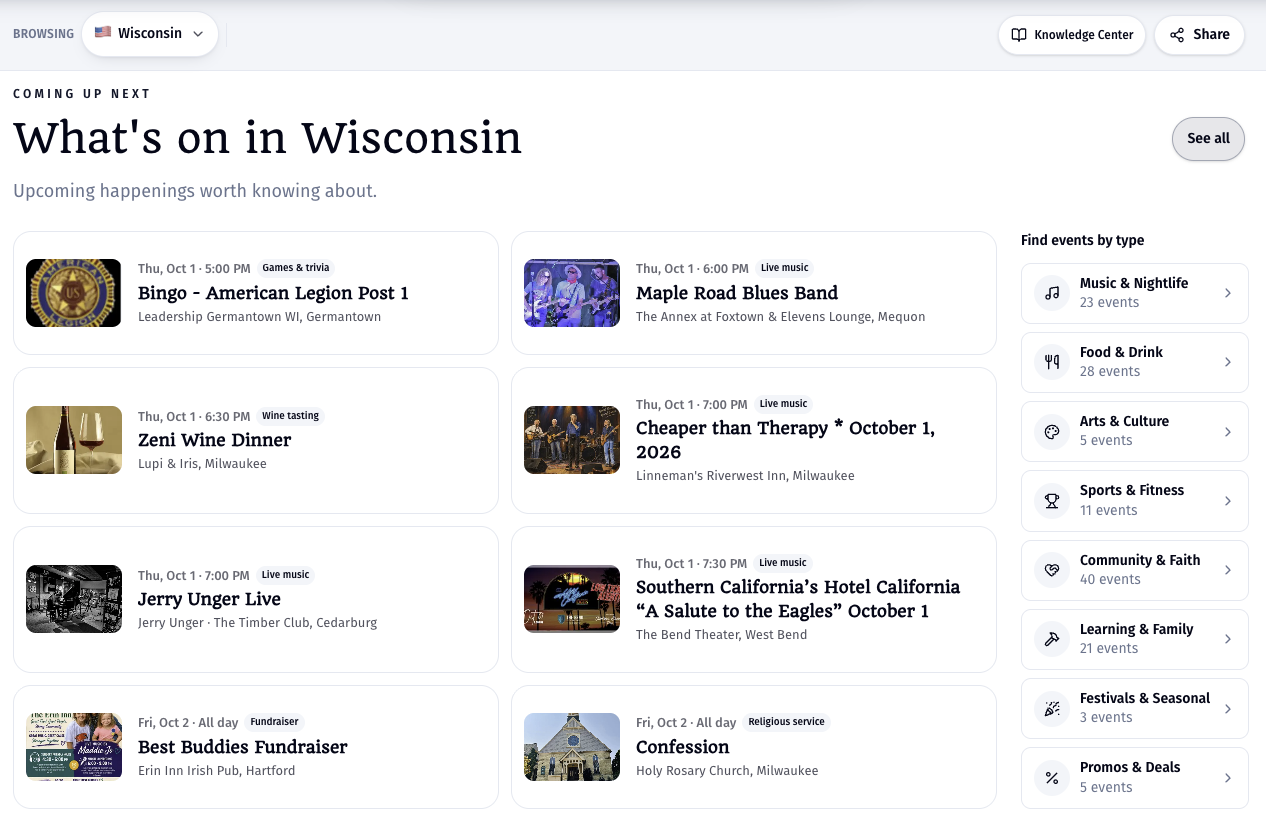
- 1Scan what is coming upEach preview gives you the date, time, type, venue and town at a glance.
- 2Choose a typeTry live music, food and drink, arts, family activities or another event type.
- 3Narrow the full calendarUse the Events view to filter by town, type or audience and find the right outing.
03 · Interests
Choose what you are into
03 · Interests
Choose what you are into
An interest guide starts with a subject rather than a town. Pick something you love, such as live music, wineries, farmers markets or fitness, and see relevant places and activities gathered from across the region. The cards show the number of places and events associated with each interest, so you can see the scope before opening it. Some interests have their own named guide, such as Soundcheck for live music or Wine Trail for wineries. Open one to explore across town boundaries; use a town guide when you want to stay local. Follow the towns you care about to keep up with their local updates, and return to the state view whenever you want to try another theme.
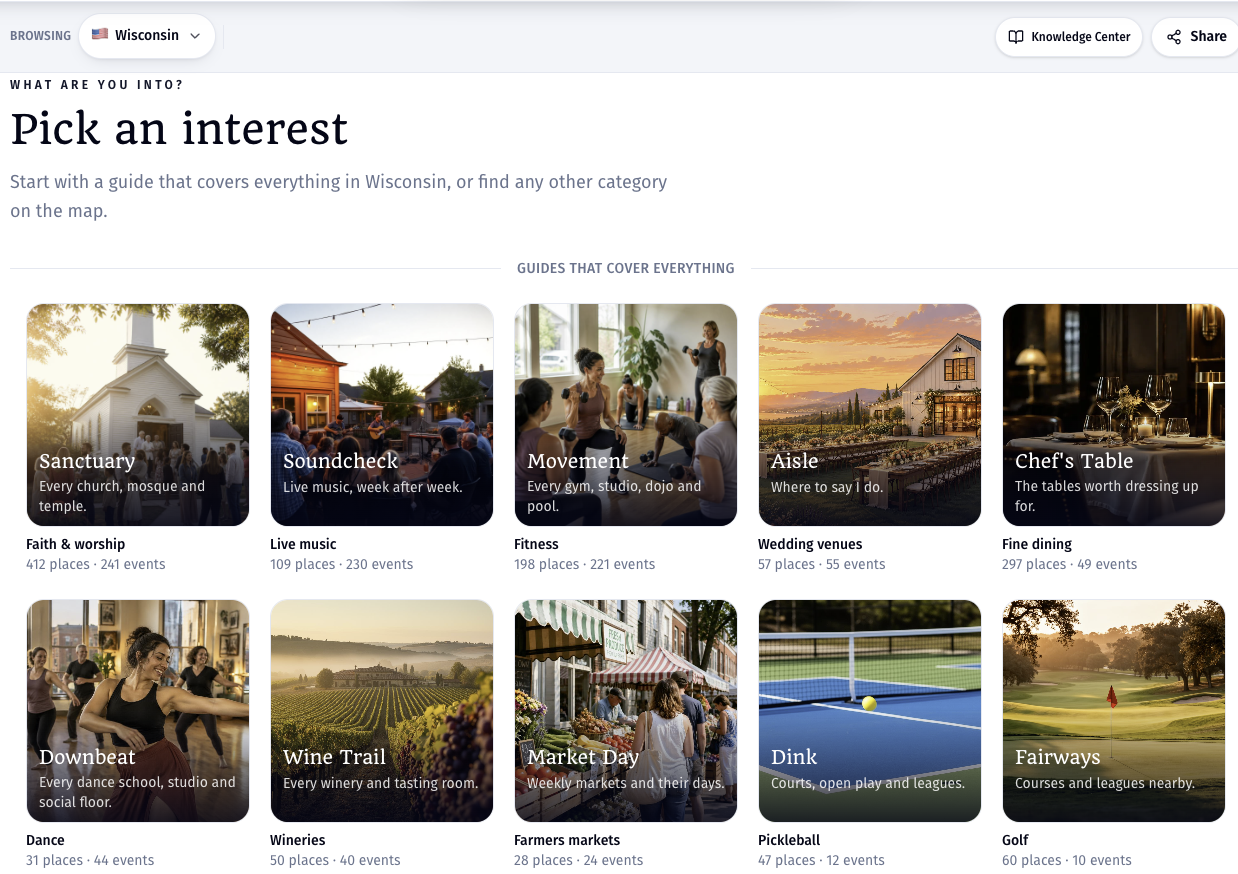
- 1Pick a themeChoose a subject that interests you; you do not have to choose a town first.
- 2Explore across townsSee relevant places and events across the region in one themed guide.
- 3Keep exploringFollow towns for local updates, or return to the state view to try another interest.
Keep exploring
Make Local Eyes your own
Keep exploring
Make Local Eyes your own
Start wide with a state, zoom in to a town, or follow a theme across several towns. Save places or events you want to revisit, follow the towns that matter to you, and share a useful page with someone else. Each page leads into the next, so you can explore at your own pace.
A good first visit: choose a town, look at its upcoming events, then open an interest guide that matches something you enjoy.